How to Make the No Scrubs AI Trend With Friends
To put yourself and two friends in the No Scrubs AI dance, upload three separate portraits or one clear group photo of all three people. Use separate portraits when you want to choose who gets the center close-ups, especially if you’re standing on the side in the group photo.
Make a video with friends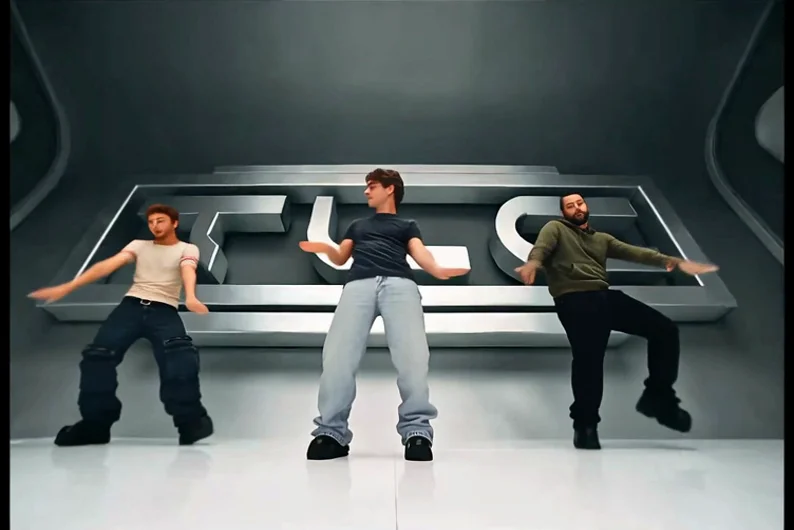
Choose a group photo or individual portraits
- One group photo
- Choose a photo with three clearly separated people. Put it in the Center lead slot and leave the side slots empty. The middle person takes the lead, with the others on their matching sides.
- Three separate portraits
- Put the lead in Center lead, then assign a friend to Left dancer and another to Right dancer. Left and right refer to the viewer’s screen.
- One or two individual portraits
- Fill only the roles you want to change. The template dancers fill the remaining positions.
Use clear, well-lit JPG, PNG or WebP photos up to 10 MB each. Keep faces, hair and upper bodies visible. If a group photo has overlapping faces, use separate portraits for clearer role assignments.
Generate and check your clip
- Pick the 15-second elevator edit or the 23-second edit with an extra studio opening. Both edits supply the choreography and audio.
- Sign in with Google or Apple to generate with paid Vismuse credits. Compare credit packs if you need to top up.
- Play the finished video and check the lineup in a wide shot and the lead’s close-ups. If someone appears on the wrong side, try individual portraits and confirm the position labels before generating again.
- Select Download MP4 on the finished video’s page. The studio exports a 480p, 4:3 landscape clip. If you crop it vertically, check that the side dancers still fit in the group shots.
Use photos you have permission to upload.
Open the No Scrubs AI studio